
How to report a problem
When you run into a problem, provide the information using the template below so we can pinpoint it in one pass without going back and forth.
Report template (copy and fill in)
[Device type] Physical phone / Cloud phone (pick one, required)
[If physical] USB debugging enabled? (yes/no)  Already connected successfully over USB? (yes/no)
[Computer OS] e.g. Windows 11 / macOS 15
[Problem description] What you did → what you expected → what actually happened
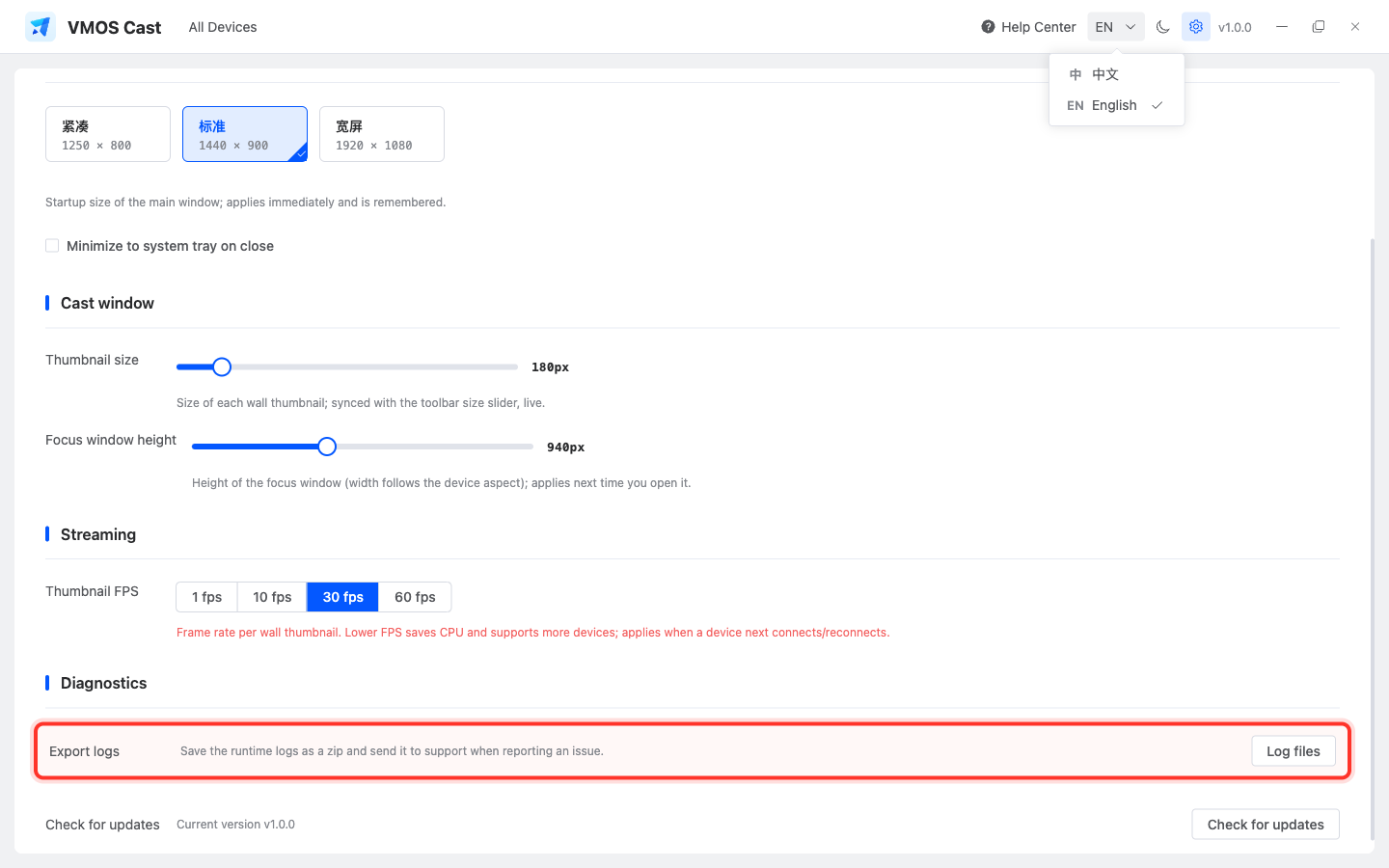
[Log file | Required] Settings → Export logs, attach the exported zip file
[Screenshot or recording] A screenshot of the problem screen; a recording is even better
Always export logs
The log file is the most important evidence for troubleshooting. Open Settings in the top-right corner, scroll to Diagnostics, click Log files, and send the exported zip file with your report.
Why does it matter whether it's a physical or cloud phone?
The two connect on different principles, so troubleshooting goes in completely different directions:
- Physical phone problems are 90% of the time: USB debugging not enabled, authorization not tapped, WiFi not "primed," or a cable that doesn't support data transfer;
- Cloud phone problems are 90% of the time: wrong IP, unreachable network, or the platform hasn't opened the adb port.
State the type up front and we can go straight to targeted steps.
What should I screenshot?
- Device cannot connect: capture the sidebar, connection entry, and error message;
- Screen issue: capture that device card on the device wall;
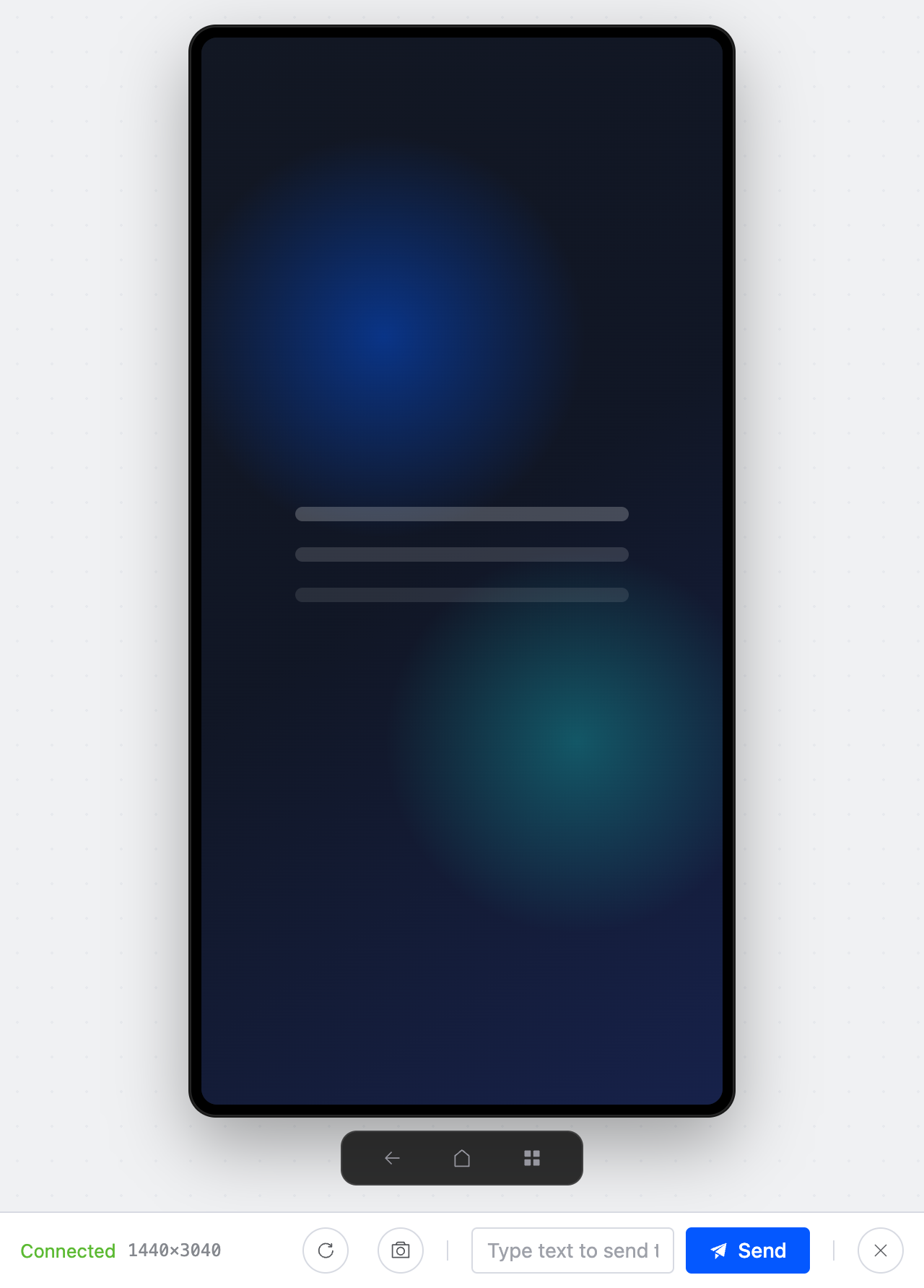
- Control issue: capture the single-device control window, especially the status and right control panel;
- Batch operation issue: capture the top toolbar and selected device count.
Handy self-check commands
Before reporting, you can run these in a terminal on the computer and send us the results too:
bash
adb version   # Is adb installed
adb devices   # Can you see your device, and is its state "device" or "unauthorized"
ping <device-ip>    # Is the network reachable (for a local network connection)
Where to reach us
- Find the support contact/representative who gave you the software, fill in the template above, and send it over;
- Open-source community users can file an Issue on the GitHub repository (English or Chinese is fine).