Step 1: Download & Install
Download
Go to the official site and grab the installer for your computer's system: cast.vmos.com
| Your computer | Download | How to install |
|---|---|---|
| Mac (M-series chip) | .dmg | Double-click to open, then drag VMOS Cast into "Applications" |
| Windows 10/11 (64-bit) | .exe | Double-click to run the setup wizard |
| Linux (x86_64) | .AppImage | Add the executable permission, then run directly |
Current version
The current public installer version is v1.0.6. To review changes, see Release History.
Prompts you might see during installation
Windows: "Windows protected your PC"
Microsoft SmartScreen shows this for newly released software. Click "More info" → "Run anyway."
macOS: "Cannot be opened because the developer cannot be verified"
The latest version is signed and notarized by Apple, so this normally won't appear. If you hit it on an early version: go to "System Settings → Privacy & Security" and click "Open Anyway" near the bottom, or just download the latest version.
Do I need adb?
Installing Android Platform Tools (adb) is recommended. USB physical phones, batch APK install, file push, batch uninstall, and batch screenshot all need adb on the computer.
If you only connect cloud phones or LAN devices that already have network debugging enabled, you can try Add Device / Scan Devices first. For troubleshooting and batch operations, adb is still recommended.
To check whether it's installed, open a terminal (on Windows, use cmd or PowerShell) and enter:
adb versionIf a version number appears, it's installed — move on to the next step. If you see "command not found," see FAQ: How to install adb, then restart VMOS Cast after installing.
First launch
After launching, you'll see the main screen: Help, language, theme, and Settings on top; search, groups, and Add Device on the left; the device wall in the middle. The dot in the bottom-left shows the service status; green means everything is fine.
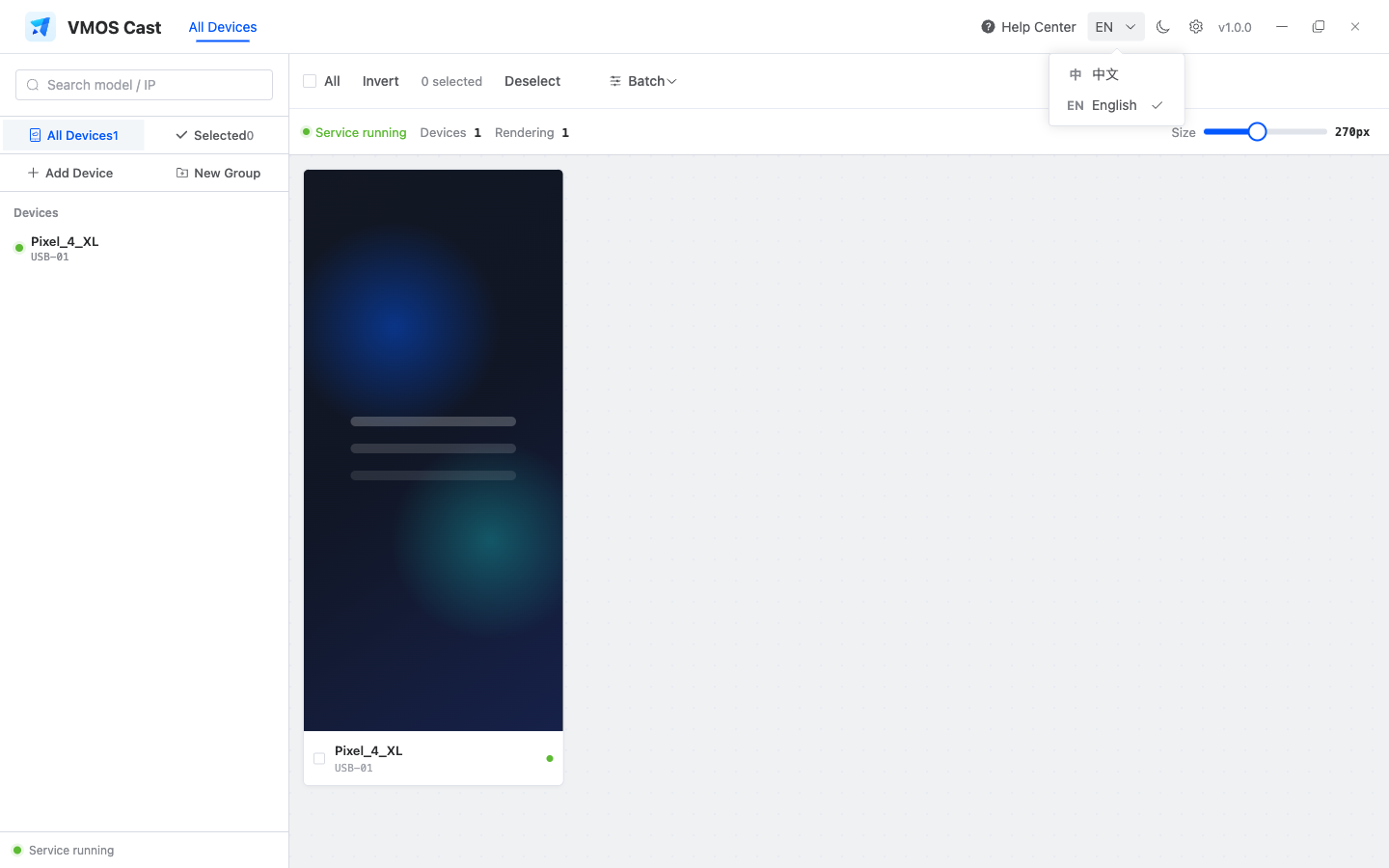
The most-used entries are Add Device, New Group, and the Settings gear in the top bar:
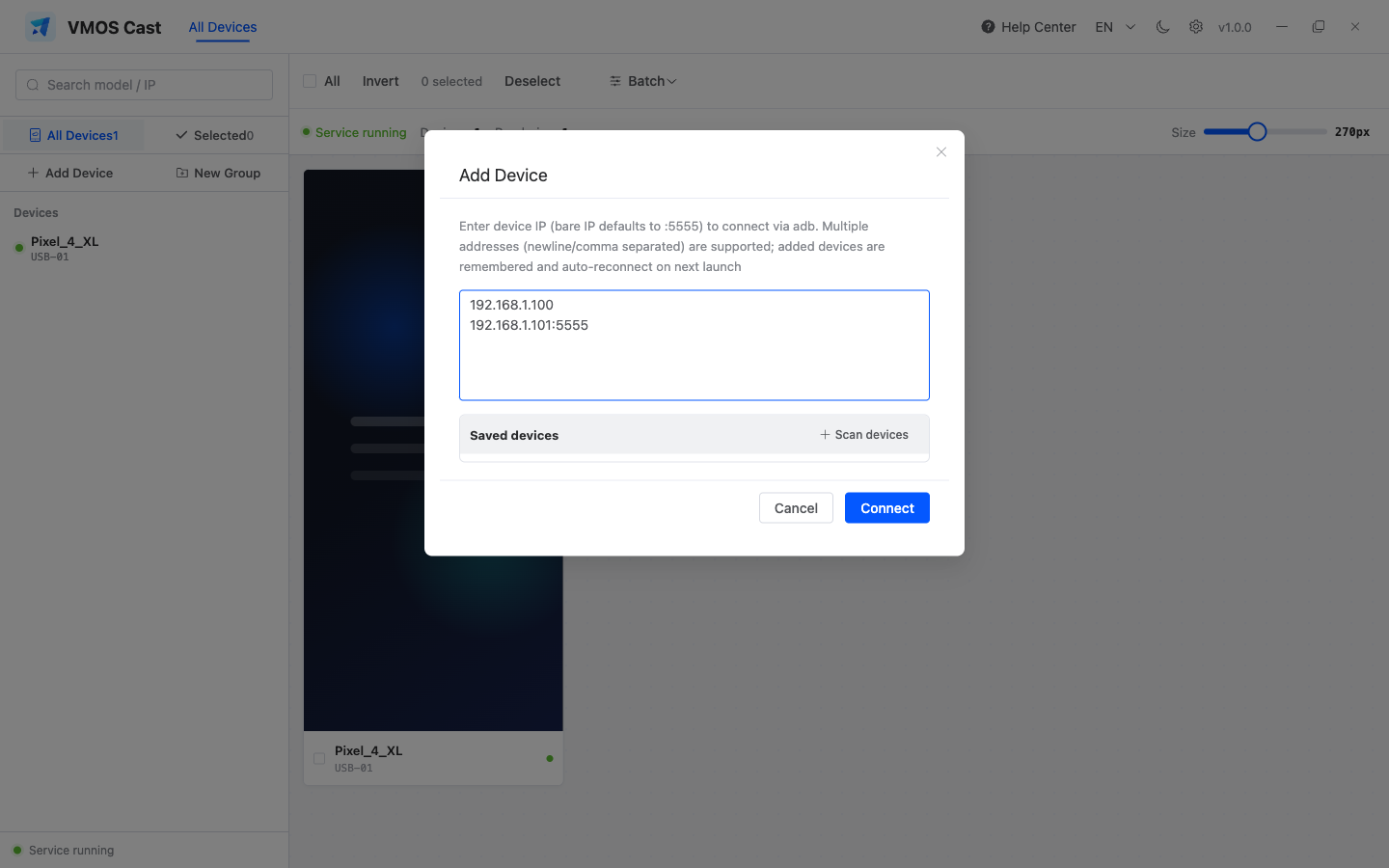
The flow in 6 seconds
This short demo shows the whole path: connect a device from the sidebar, select devices for batch operations, then open the single-device control window.
Interface language and theme
The top bar switches between 中文/English and light/dark themes. Settings also supports system theme and custom theme colors.
Next: Connect your first phone